
The Best Tech Tools for Smarter Online Shopping in 2026
Online shopping has gotten way smarter, but also way more manipulative. Between fake discounts, endless promo codes, sponsored listings, and impulse buys, it’s surprisingly easy to overpay without realizing it.
The good news? There are now tools that do the digging for you, thanks to tech.
From AI shopping assistants to automatic coupon finders and Amazon price trackers, these are the tech tools helping people shop smarter, compare prices faster, and figure out whether a deal is actually worth it before hitting “Buy Now.”
Rakuten
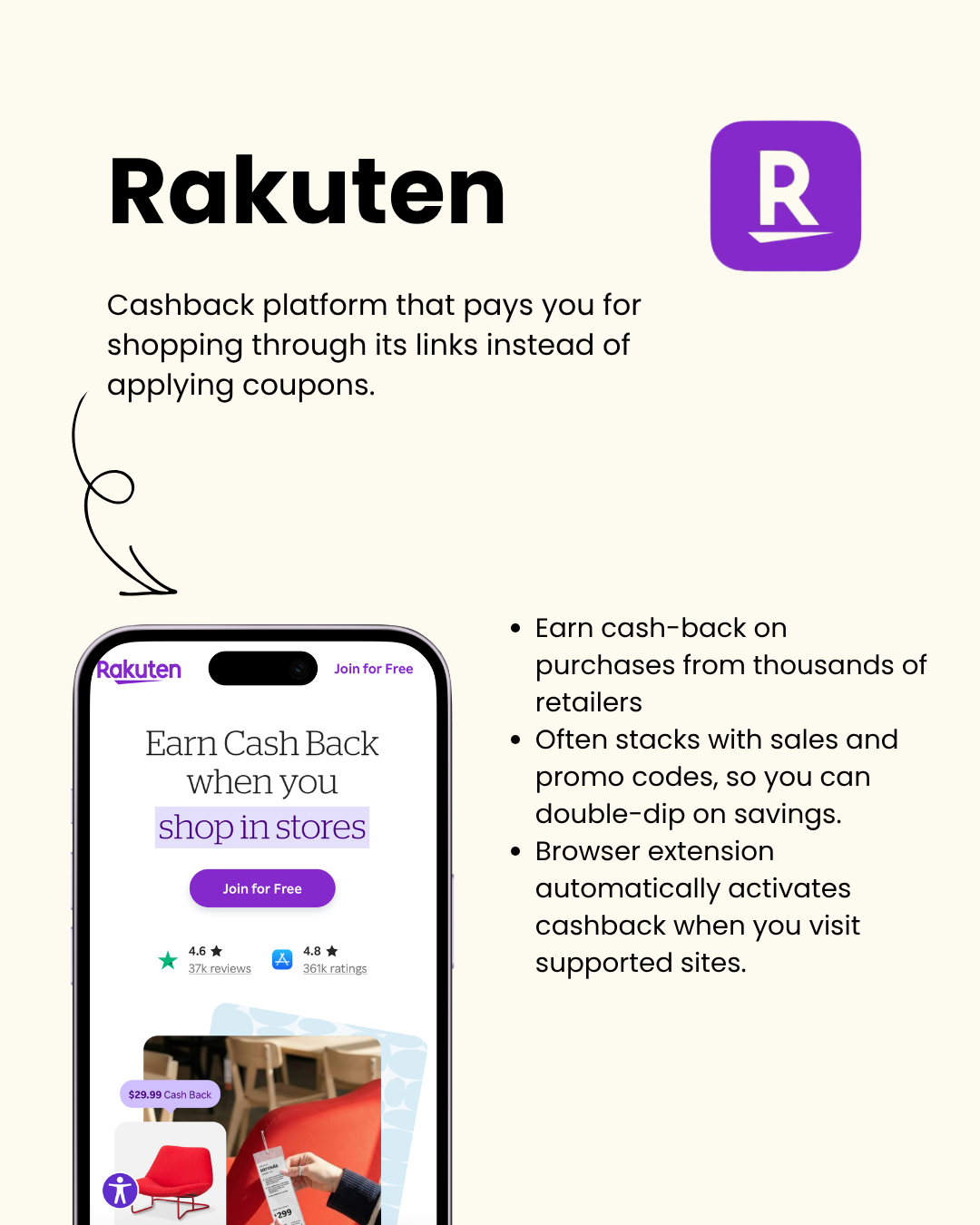
Rakuten is one of the easiest ways to earn money back on purchases you were already planning to make.
Instead of searching for coupons, Rakuten gives you cashback when you shop through supported retailer links.
The reason WHY I LOVE it:
Works with thousands of stores
Cashback often stacks with sales and promo codes
Browser extension activates cashback automatically
Pays out real cash instead of just points
A lot of shoppers forget cashback exists entirely, which means they’re leaving money on the table every time they check out normally.
If you shop online often, it adds up fast. Try it HERE and get $50 in cash back!
www.rakuten.com/r/JESSIC158377?eeid=28187
Amazon’s Built-In Price Tracking + Rufus AI
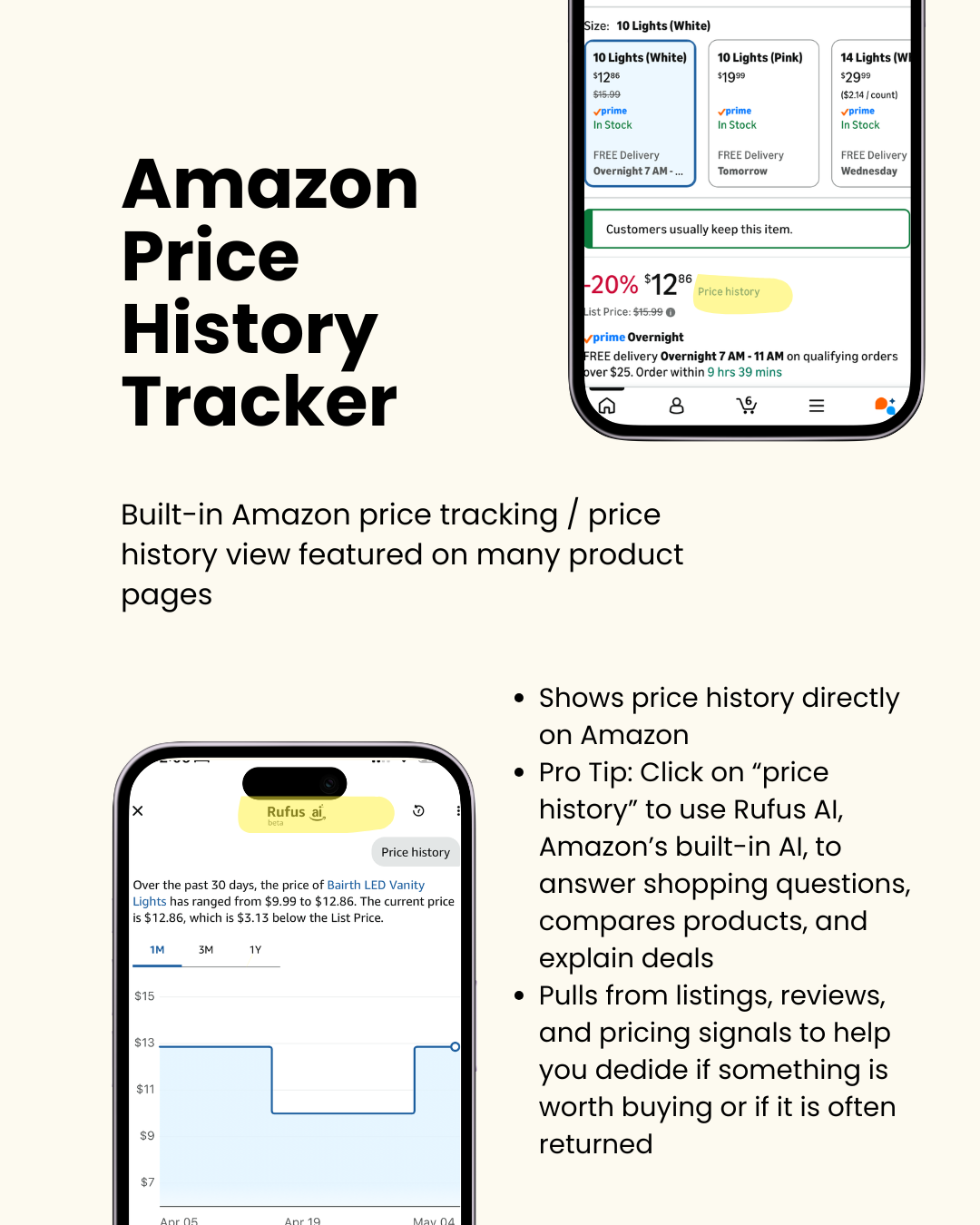
A lot of people still don’t realize Amazon quietly added built-in price tracking and AI shopping tools directly into the platform.
On many product pages, you can now view price history directly inside Amazon to see whether that “limited-time deal” is actually a discount or just regular pricing dressed up with a countdown timer.
The real hidden feature? Clicking into “Price History” gives you access to Rufus AI, Amazon’s built-in shopping assistant.
Rufus can:
Compare similar products
Explain whether a deal is good
Summarize reviews
Highlight commonly returned items
Answer shopping questions in plain English
Instead of scrolling through thousands of reviews, you can ask things like:
“Is this worth the price?”
“How does this compare to the newer model?”
“Do people complain about battery life?”
“Is this product often returned?”
It pulls from reviews, listings, pricing signals, and customer feedback to help you make faster decisions without spending an hour researching.
Try it next time you’re shopping on Amazon.
Phia
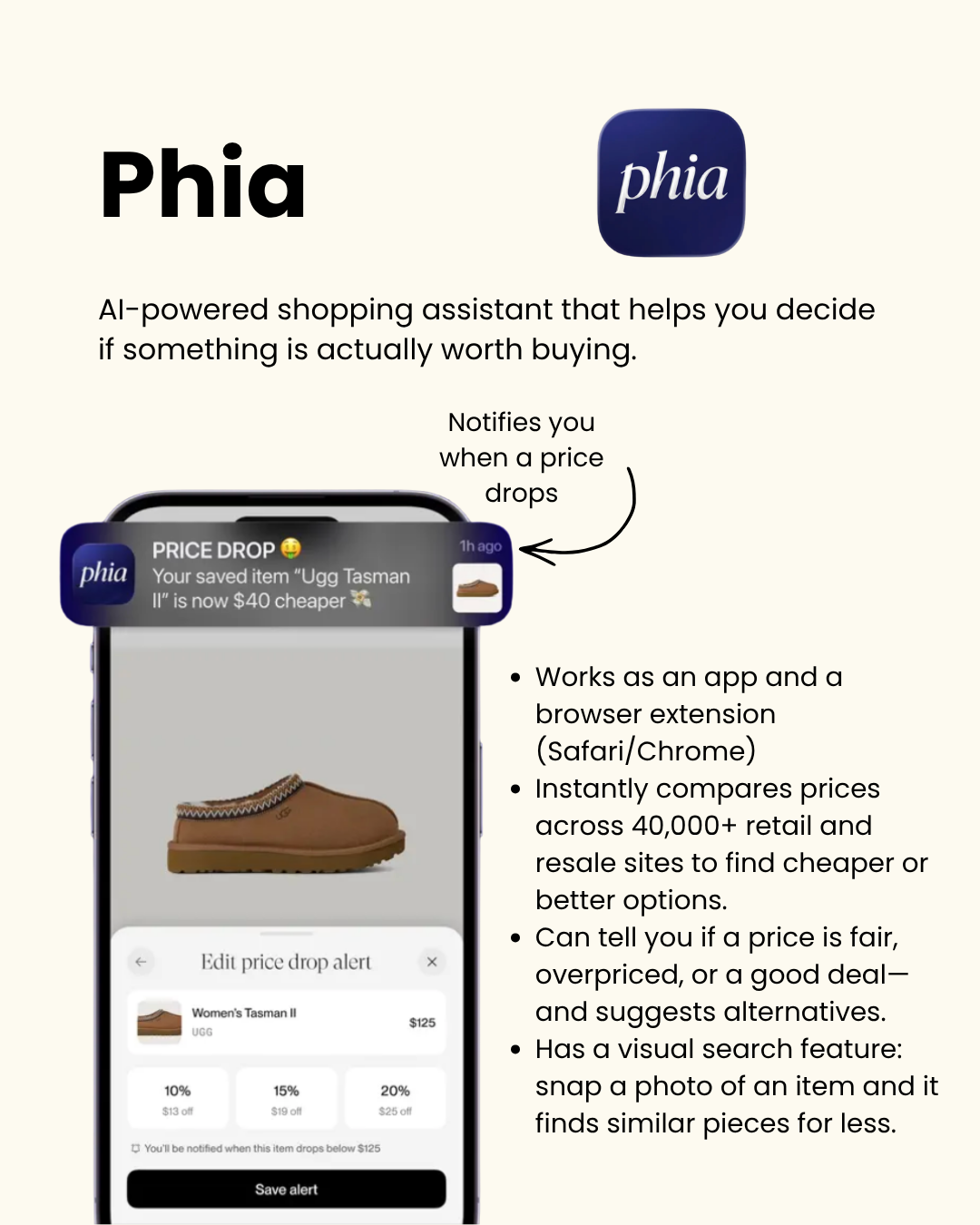
If you’ve ever wondered whether something is actually a good deal or just marketed well, Phia is one of the most useful AI shopping tools right now.
Phia works as both an app and browser extension for Safari and Chrome, and it’s designed to help you avoid overpaying online.
What makes it different:
Compares prices across 40,000+ retail and resale sites
Tells you if a product is fairly priced, overpriced, or a good deal
Sends price-drop alerts
Suggests cheaper alternatives
Includes visual search
One of the coolest features is the visual search tool. You can literally snap a picture of something you like and Phia will find similar pieces, often for less.
It’s especially useful for fashion, home decor, accessories, and trend-driven purchases where prices can vary wildly between retailers.
Download it here.
Google Shopping
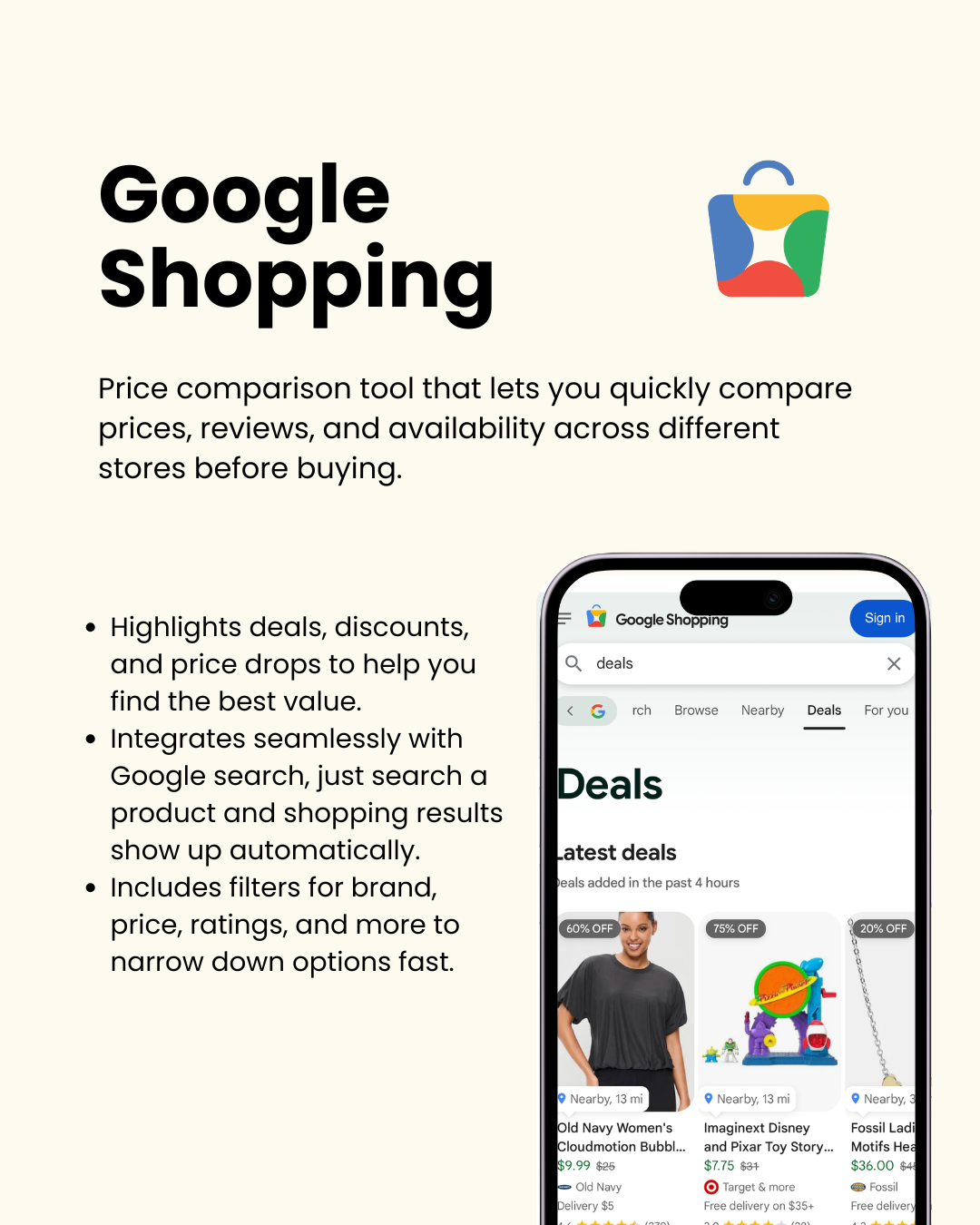
Google Shopping has quietly become one of the fastest ways to compare prices online.
Instead of opening ten tabs manually, you can simply search a product on Google and instantly compare:
Prices
Reviews
Availability
Shipping options
Retailers
It also highlights:
Price drops
Deals
Trending pricing
Store ratings
The filters are what make it especially useful. You can narrow products down by:
Brand
Price
Ratings
Features
Seller
Delivery speed
For expensive purchases, this alone can save a surprising amount of money. Use it here.
CamelCamelCamel
Make it stand out
Whatever it is, the way you tell your story online can make all the difference.
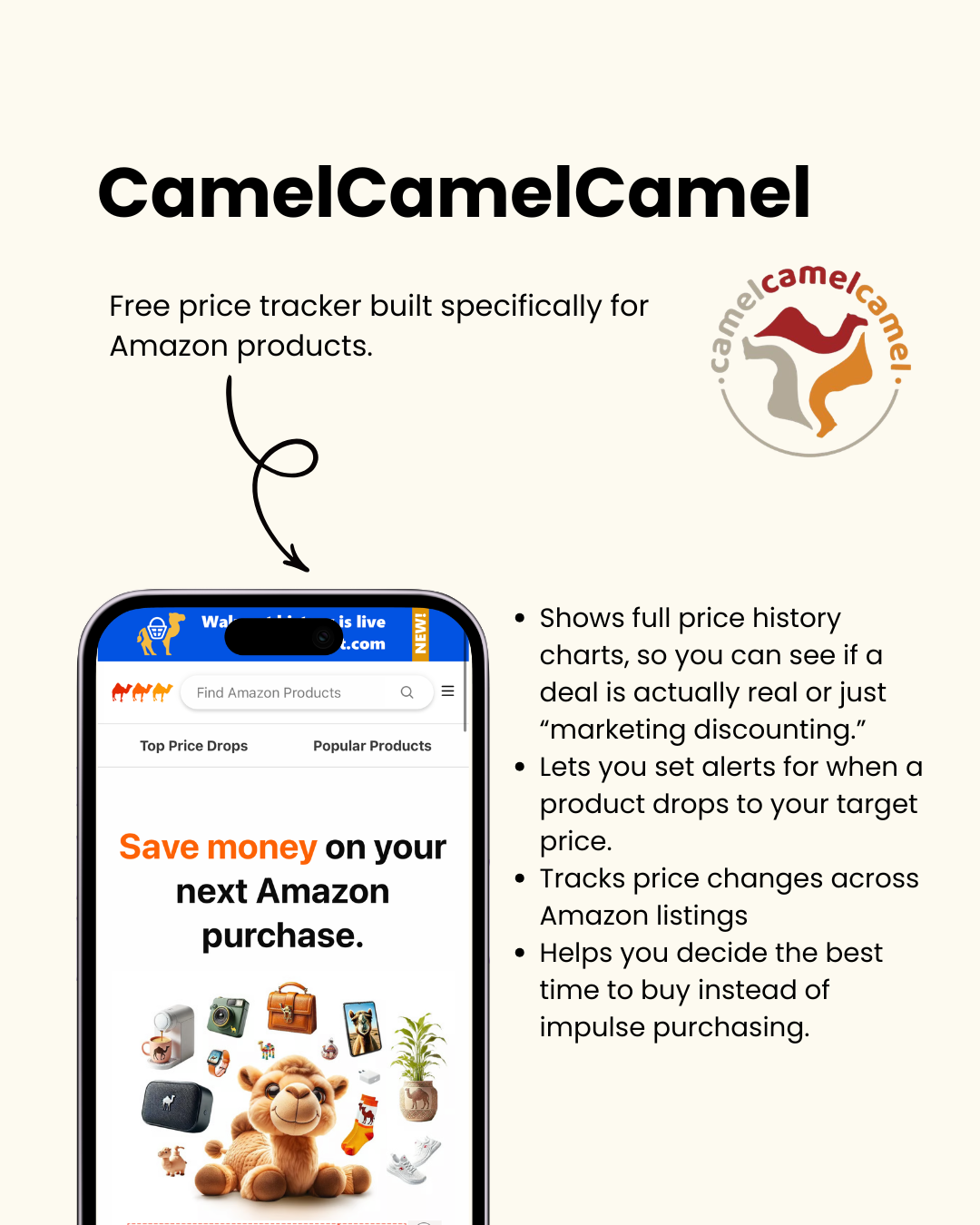
CamelCamelCamel is basically the gold standard for Amazon price tracking.
If you’ve ever suspected fake Amazon sales, this tool confirms it fast.
It tracks full Amazon price history so you can see:
Historical pricing charts
Actual lowest prices
Price fluctuations over time
Whether a “sale” is real
You can also set alerts for your target price and wait until the product drops instead of impulse buying.
One of the biggest benefits is timing purchases better. A lot of products cycle through predictable discounts, especially around Prime Day, Black Friday, and seasonal sales.
CamelCamelCamel helps you spot those patterns. Add it to your browser here.
Honey
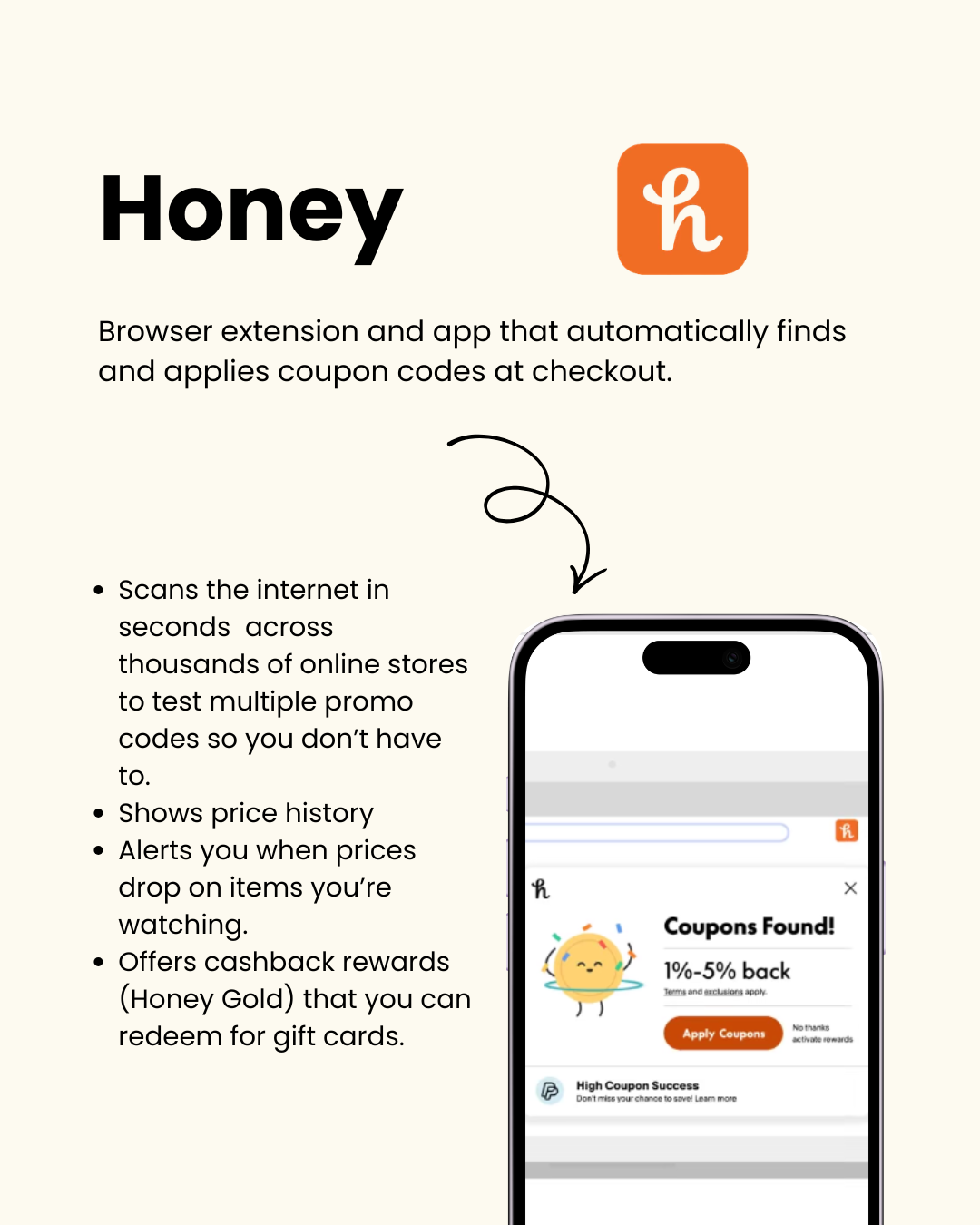
Honey became popular for one reason: it removes the effort from coupon hunting.
Instead of manually searching “promo code 2026” before checkout, Honey automatically tests coupon codes for you.
Features include:
Automatic coupon application
Price tracking
Deal alerts
Wishlist monitoring
Cashback rewards through Honey Gold
The browser extension scans available codes in seconds and applies the best working option automatically.
It also includes price history tracking and alerts for watched products, making it more useful than just a coupon tool. Add it here.
Which Shopping Tool Is Actually Best?
Honestly, the best setup is combining a few of them together.
A smart combo looks something like:
Amazon Price History or CamelCamelCamel for tracking deals
Honey for coupons
Rakuten for cashback
Google Shopping for price comparison
Phia for AI-powered recommendations and alternative finds
Together, they cover almost every part of online shopping:
Finding better prices
Avoiding fake discounts
Applying coupons automatically
Earning cashback
Deciding if something is actually worth buying
And in a world where online prices constantly change, having the right tools matters more than ever. Follow @jessicanaziri for all things tech.