
How to Create a Custom Birthday Invitation & Thank You Card Using AI
Want a personalized invite that actually looks like your child and a matching thank you card to go with it? Here’s a simple step-by-step guide you can copy, paste, and customize.
Step 1: Create a Cartoon-Style Birthday Invitation
Upload a clear photo of your child and use this customizable prompt:
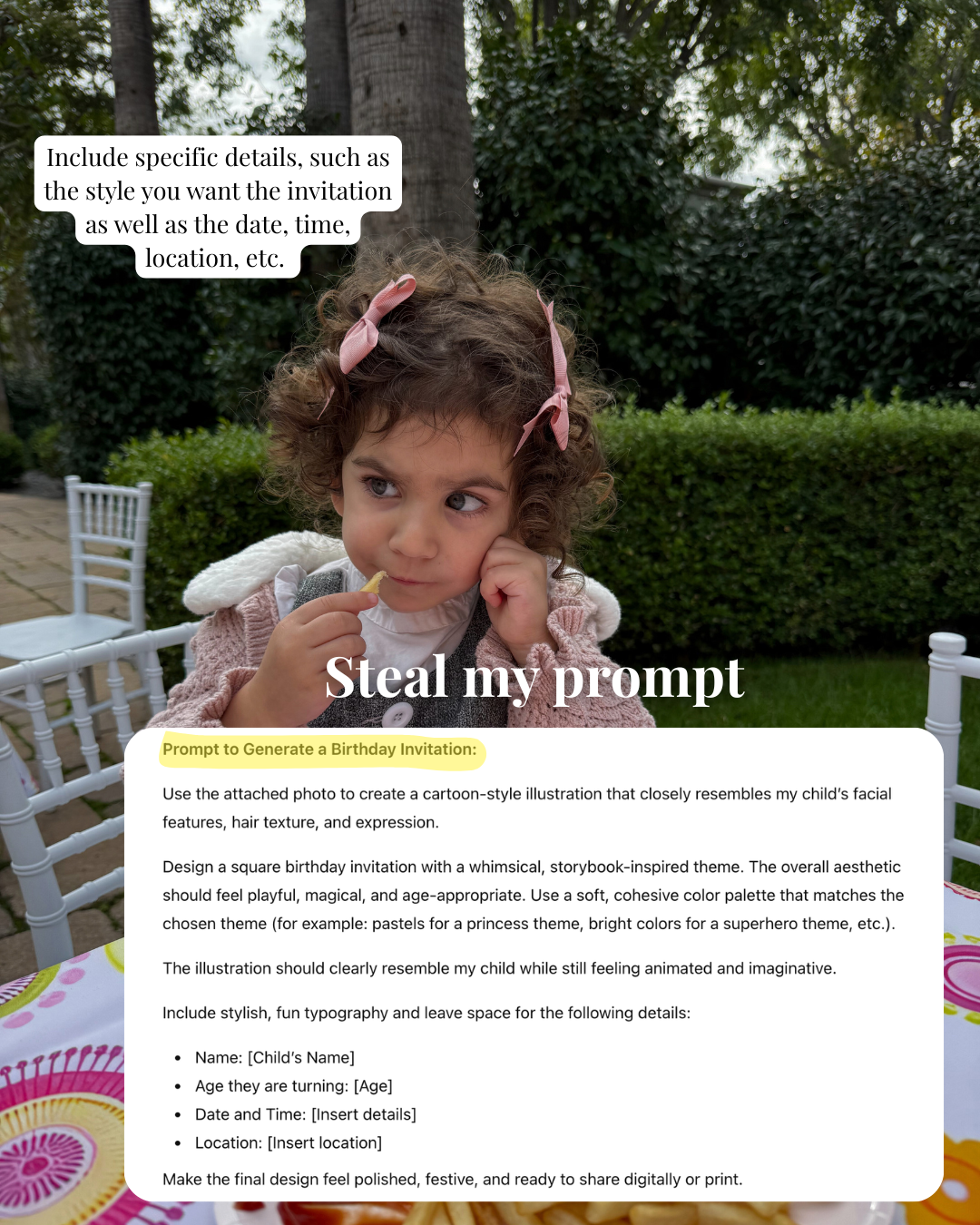
Copy + Paste Prompt:
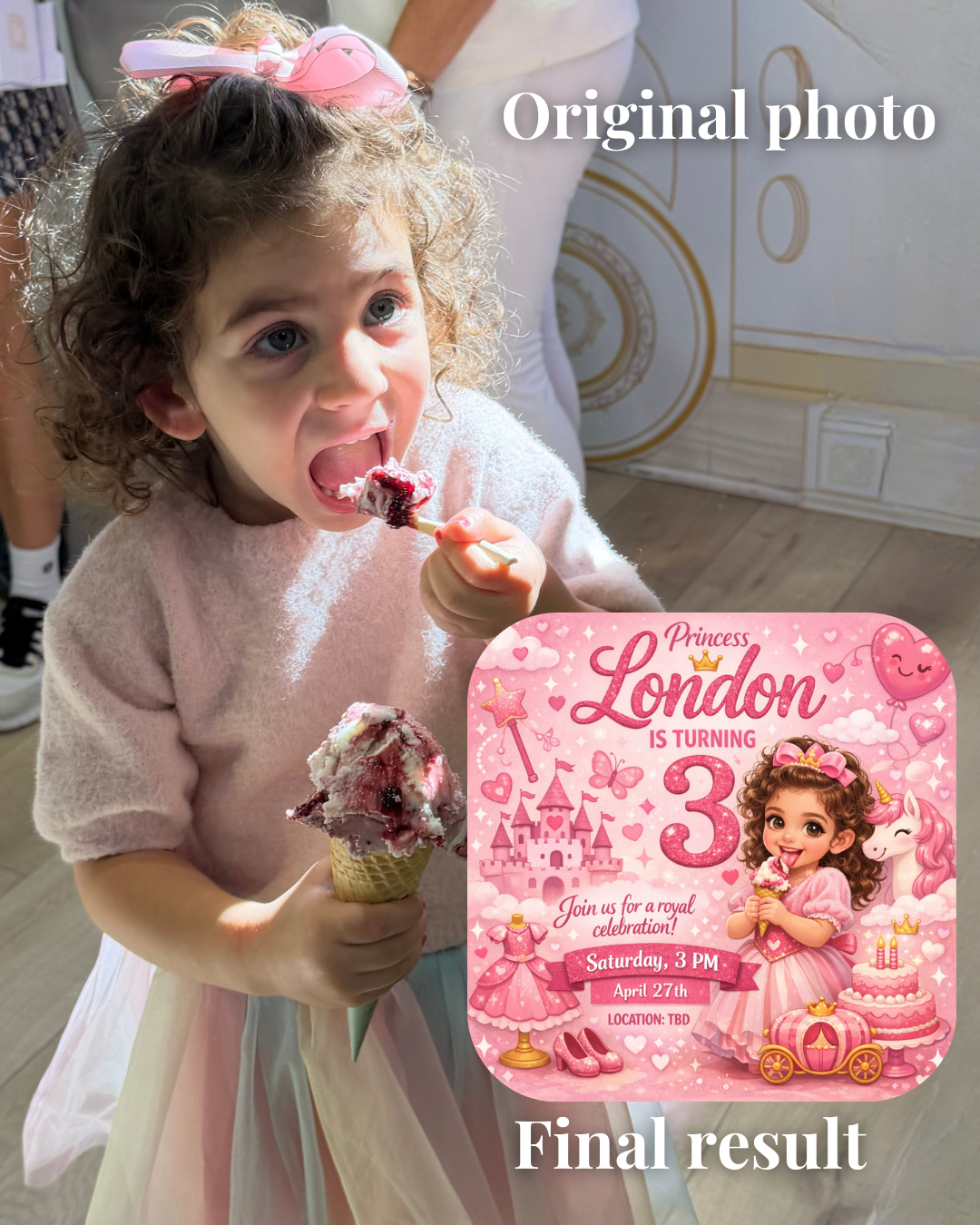
Create a cartoon-style illustration based on the attached photo. The illustration should closely resemble my child’s facial features, hair texture, and expression while still feeling playful and animated.
Design a square birthday invitation with a whimsical, storybook-inspired theme.
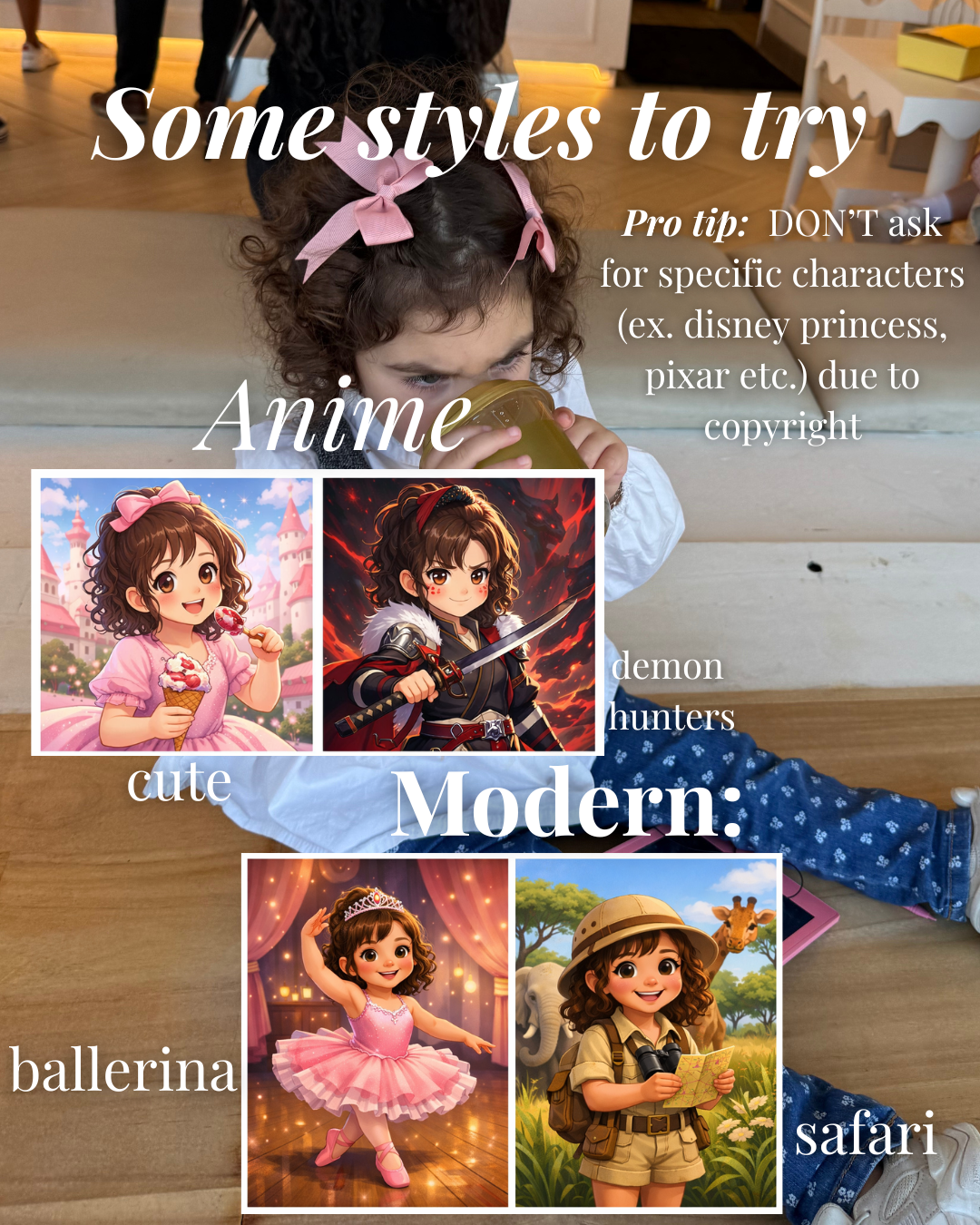
Theme: “[insert theme here – princess, superhero, fairy garden, race cars, etc.]”
Color palette: “[insert color palette – pastels, bright primary colors, soft neutrals, etc.]”
Make the overall aesthetic magical, age-appropriate, and cohesive. The final image should be square and ready to print or share digitally.
Step 2: Create a Matching Thank You Card
Now create a coordinating thank you card with this prompt:
Copy + Paste Prompt:
Create a soft, pastel-toned card design featuring a textured envelope with a card partially pulled out.
Background color: “[insert background color here]”
Theme or vibe: “[insert theme here – princess, modern minimal, baby shower, etc.]”
At the top, include an embossed script word that says: “[insert title here – Thank You, So Grateful, Love, etc.]”
On the card inside the envelope, include this message in a clean serif font:
“[insert your message here]”
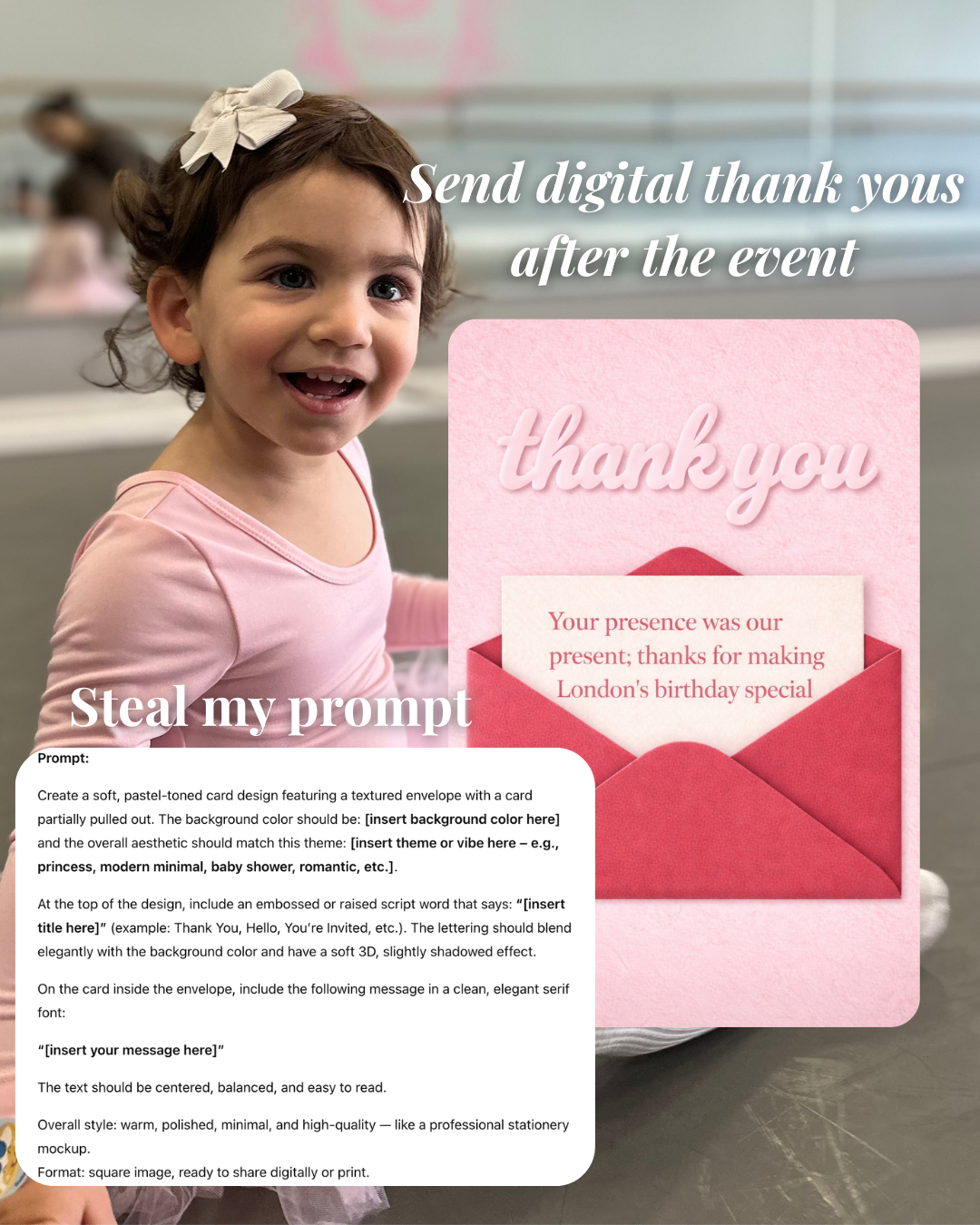
The overall style should feel warm, polished, minimal, and high-quality. Format as a square image suitable for printing or sharing.
That’s it. Two prompts, fully customizable. Just like that you have invitations + thank you’s to follow up with, no design degree neded.