
Apple Just Turned AirPods Into a Hearing Test Tool
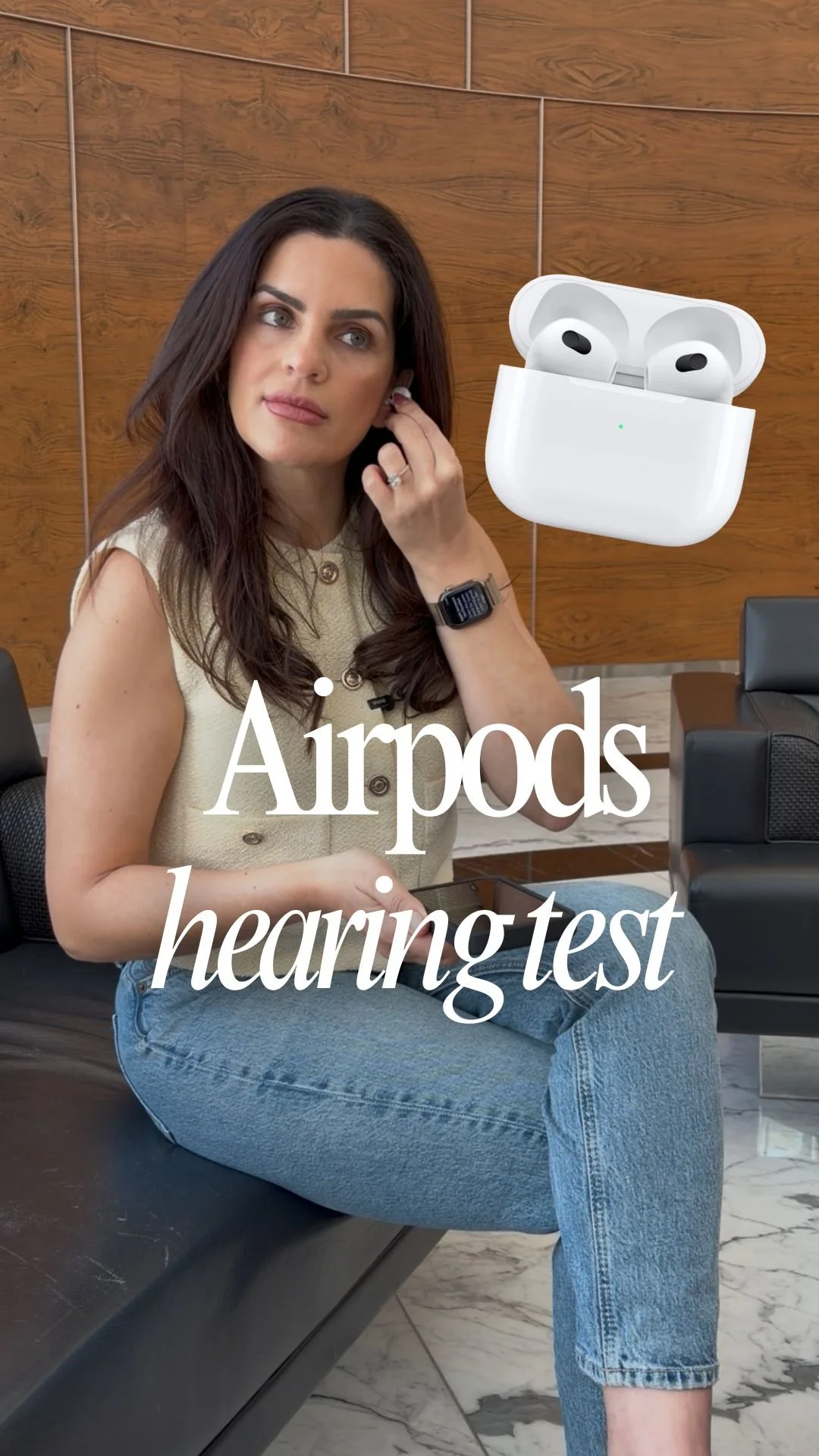
Did you know you can check your hearing using your AirPods Pro?
Yeah… same ones you use for calls, music, and ignoring people in public.
With the latest updates to AirPods Pro (2nd generation and above), Apple is quietly turning your everyday earbuds into a mini hearing lab, no appointment required.
🎧 How It Works
If you have AirPods you can take a clinically designed hearing test right from your iPhone.
No extra hardware.
No waiting rooms.
No awkward “raise your hand when you hear this” moments.
Just your AirPods.
📲 How to Take the Test
Getting started is surprisingly simple:
Put your AirPods in and connect them to your iPhone or iPad
Go to Settings → Your AirPods → Take a Hearing Test
Or launch it directly from the Apple Health app
Then:
Find a quiet room
Make sure your AirPods fit snugly
Tap the screen every time you hear a tone
That’s it.
🔬 What It’s Actually Doing
The test plays a series of tones across different frequencies and measures your hearing in decibels hearing level (dBHL)—aka the same standard used in clinical environments.
Translation:
This isn’t just a gimmick. It’s legit data.
📊 What You Get in 5 Minutes
Once you’re done, you’ll see:
A hearing score for each ear
A hearing loss classification
A full audiogram stored securely in the Health app
Personalized recommendations based on your results
And if mild to moderate hearing loss is detected?
Apple can automatically adjust Hearing Assistance features to better match your needs.
🧠 Why This Is a Big Deal
This is what preventative tech is supposed to look like.
No friction
No barriers
No excuses
You’re getting real health insights from something you already own.
And if you want to take it a step further, you can even export your audiogram as a PDF and send it directly to your doctor.
⚡ The Bottom Line
We’re officially entering the era where your everyday gadgets double as health tools—and honestly, it’s about time.
From tracking your steps to now checking your hearing, Apple is turning passive tech into proactive health monitoring.
Follow along to this video to see exactly how I did it and follow @jessicanaziri for more tech tips and hacks!