
iPhone Travel Hacks To Make Travel Easier
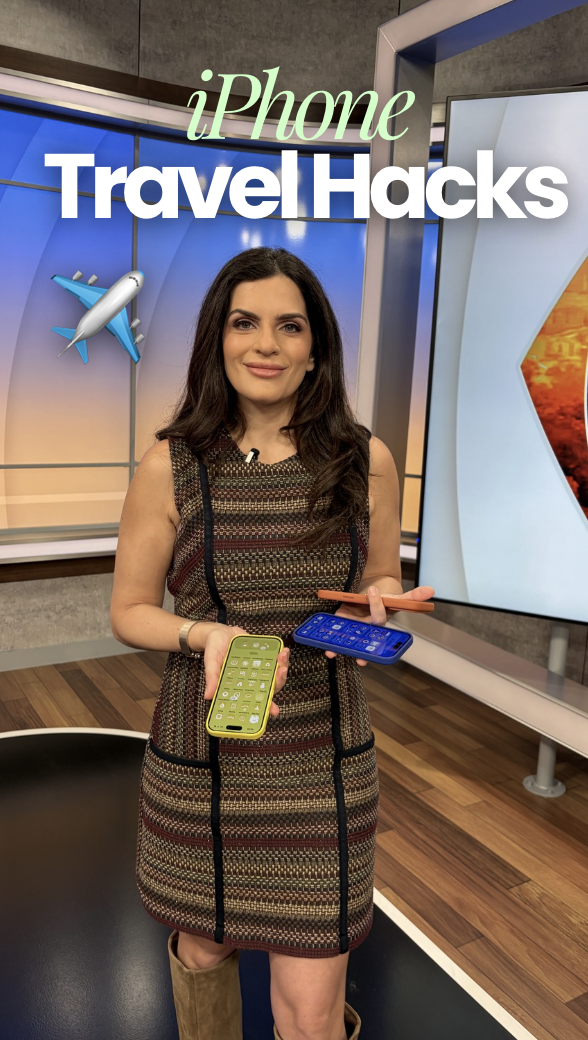
Your iPhone basically has a travel mode built in and somehow nobody told you about it. I've been sitting on these for a while and figured it's time to share because they've genuinely made traveling easier.
Flight Details Hack
First one: you can literally just text someone your flight confirmation code in iMessage and it will automatically pull up your flight details. No searching for the airline app, no typing in your name and confirmation number on some clunky website. Just the code is enough. This is clutch if someone's picking you up from the airport or your mom just wants to know your flight isn't delayed. They can see your status without you having to send updates every twenty minutes.
Built-In Calculator Converter
Next, the calculator app has a currency converter built right in and I don't know why more people don't use this. Delete those separate currency apps taking up space on your phone. Just tap the little calculator icon in the top right corner, then hit Convert at the bottom of the dropdown. It works offline too, which is huge when you're abroad and trying not to rack up data charges. Genuinely a lifesaver.
Time Zone Widgets
You can also add multiple time zones to your lock screen. If you're the one traveling, or if you've got friends or family somewhere else, this makes it so easy to glance at your phone and know what time it is for them. When I'm away I always add my home time zone so I know exactly when it's a good time to call my kids without doing math in my head.
Landmark Feature
Here's one I use constantly. Ever take a photo of some cool building or statue on vacation and then have zero idea what it was called two weeks later? Swipe up on the photo and wait for "Look Up Landmark" to appear, then tap it. If it's something iconic, it'll usually name it outright. If not, you'll at least get an address you can search on Maps. Either way you're not left guessing what that gorgeous fountain was.
Add Captions to Photos
Last one, and this isn't just a travel hack, you can add captions to your photos in the Photos app. Like an Instagram caption, but private and just for you. I love this for keeping little details attached to my travel photos so I actually remember what was happening when I look back later. Swipe up on the photo and an "Add a Caption" box shows up right underneath it.
Did I miss anything?
Did you know about all of these already? Let me know if I missed any of your favorites.