
Never Take a Bad Photo Again: iOS 27 Hack
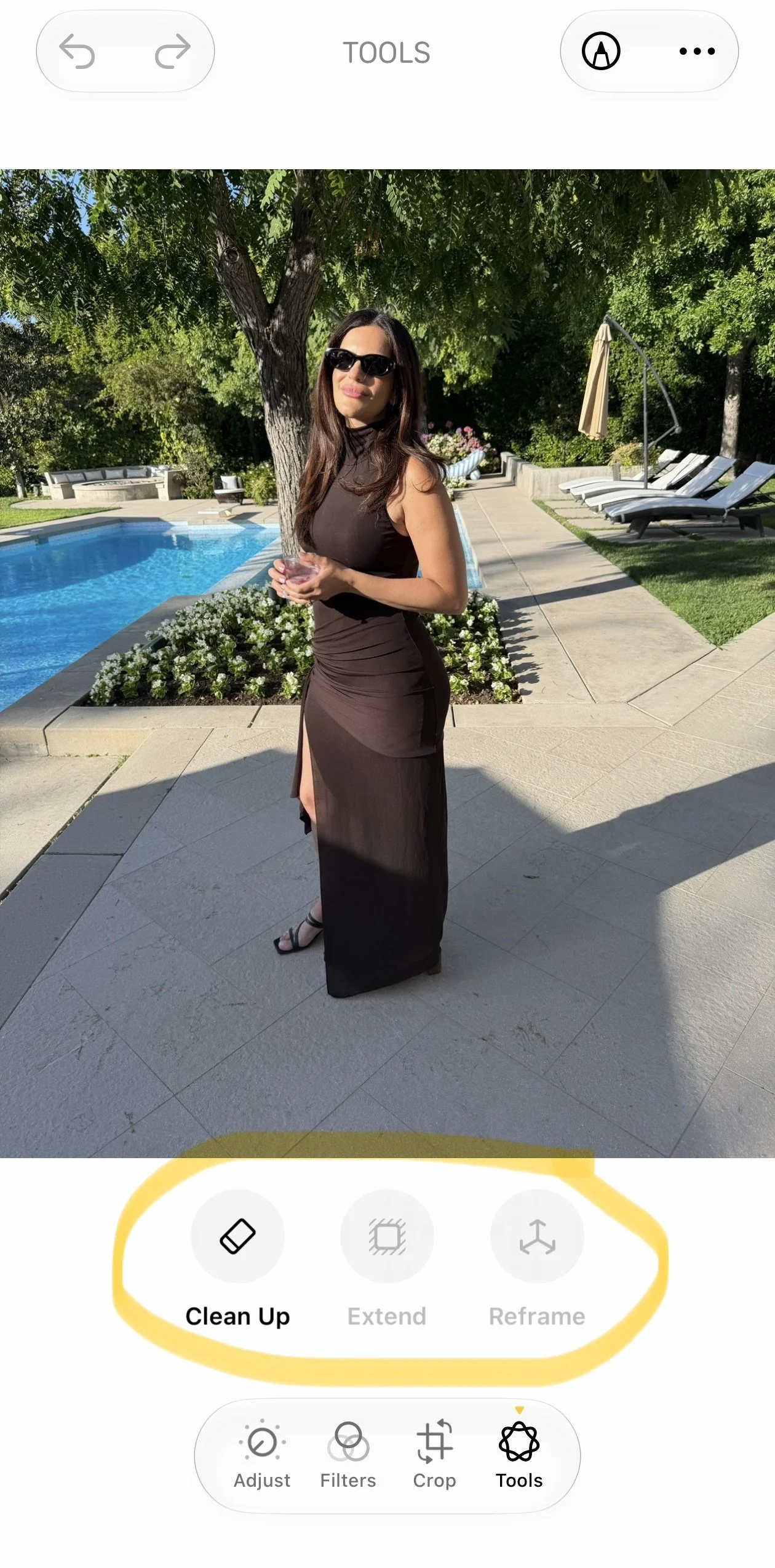
I've been playing around with the new photo editing tools in the iOS 27 beta and honestly, this update might make you rethink whether you even need a separate photo editing app anymore. Let’s get into the three new features.
Extend
Extend lets you change the crop of an image by expanding the borders to zoom out or completely change the composition. It uses generative AI to fill in whatever's missing at the edges, and you just pinch to adjust the borders until it looks right. So if you cropped in too tight originally or want more breathing room around your subject, you're not stuck with what you shot.
Reframe
Then there's Reframe, and this one is wild. It actually changes the camera angle after you've already taken the shot. It's built on the same spatial models Apple developed for Vision Pro, so you can drag the photo and watch the perspective shift in real time, almost like you physically moved before pressing the shutter. It only generates new pixels where the angle change actually requires it, so your subject and the rest of the shot stay untouched. One thing worth flagging though, the results aren't always perfect. I've noticed it can distort facial features when it's generating that new content, so I wouldn't rely on it for anything with people front and center just yet.
Improved Clean-Up
Last one is the improved Clean Up tool. The original version was solid for removing small objects with a simple background, but this new one can handle a lot more. It's now reconstructing entire backgrounds using generative AI, and you get three speed options depending on what you need. Fast for quick and simple edits, High Quality for more detailed scenes that need extra care, and presumably something in between for everything in the middle.
Have you tried any of these yet? Curious which one you'll actually use the most.